At last, you can use that expensive Mac Mini to build apps with Local LLMs.
How it works: a local model (Qwen 3.6 35B-A3B in LM Studio) does the long, boring build work for FREE on a Mac Mini. Claude researches, builds the prototype, lets you look at it and leave notes, then breaks the rest into small tasks for Qwen. It checks the RUNNING app every few tasks and steps in when Qwen gets stuck.
98% to 99%of all tokens usually come from your local A.I. INSANE, right?
1M+lines of code across 60 real apps (ok, some of them were pretty crappy, but hey, that's vibe coding for you).
1Mac Mini, 32 GB. That's it.
~_/\_~
Why I built this. Cheap code is easy. GOOD cheap code is the hard part.
I kept hearing how amazing local models are, but I didn't want to buy a $20k machine just to get a model that is worse than a $20 Claude subscription.
So I started tinkering. Most A.I. models spend most of their time READING (53 times more than writing, based on my tests). A local model COULD do that pretty well, right? RIGHT?
After tons of experiments, I saw that Claude could make an epic plan, Qwen could process it, and Claude could check on Qwen from time to time. This kindaaaaa worked.
But what REALLY worked is having ME (a human?) adding new tasks, EDITING and creating files next to the A.I.
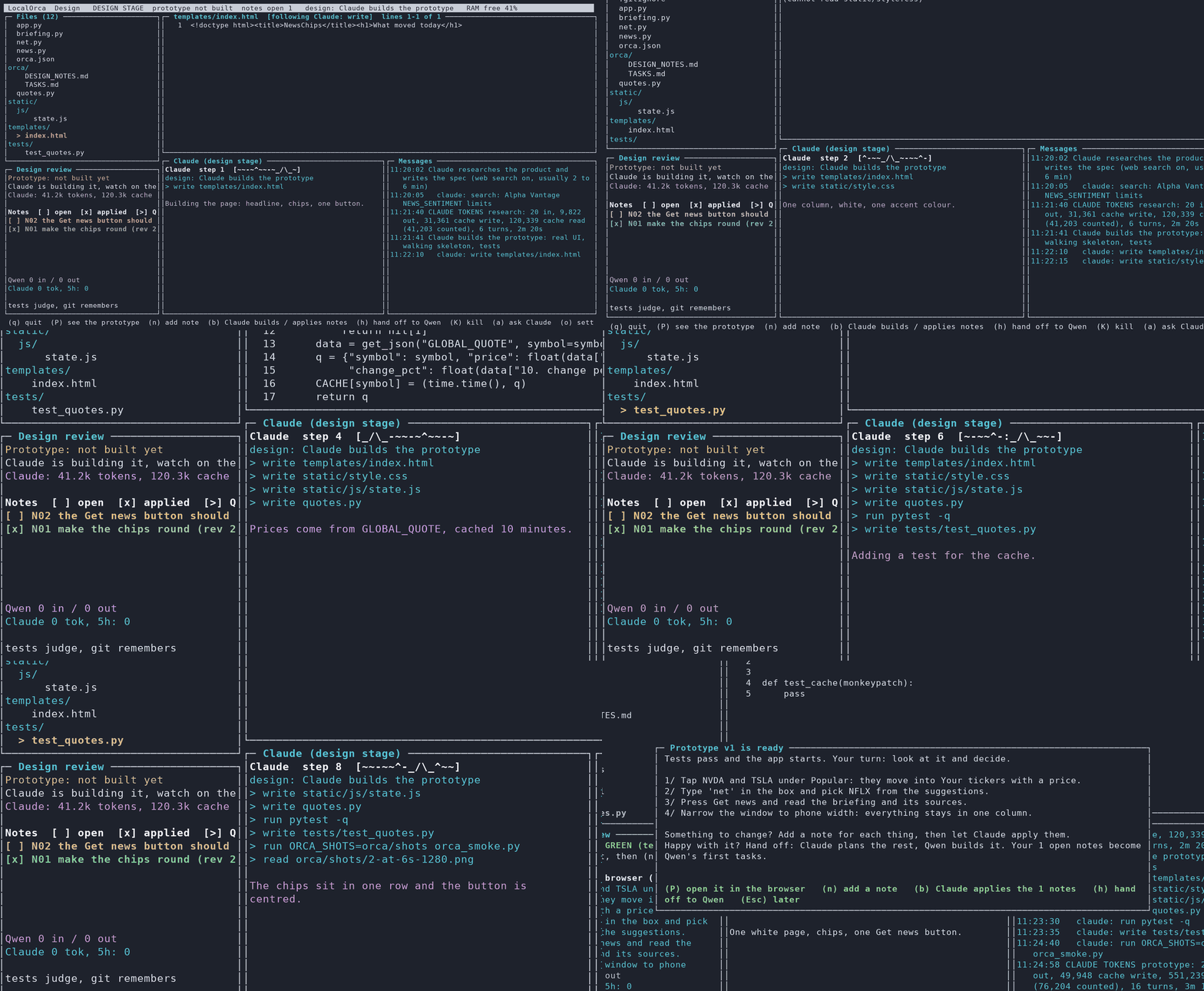
1/ Claude researches and builds a working prototype.
2/ You look at it and leave notes.
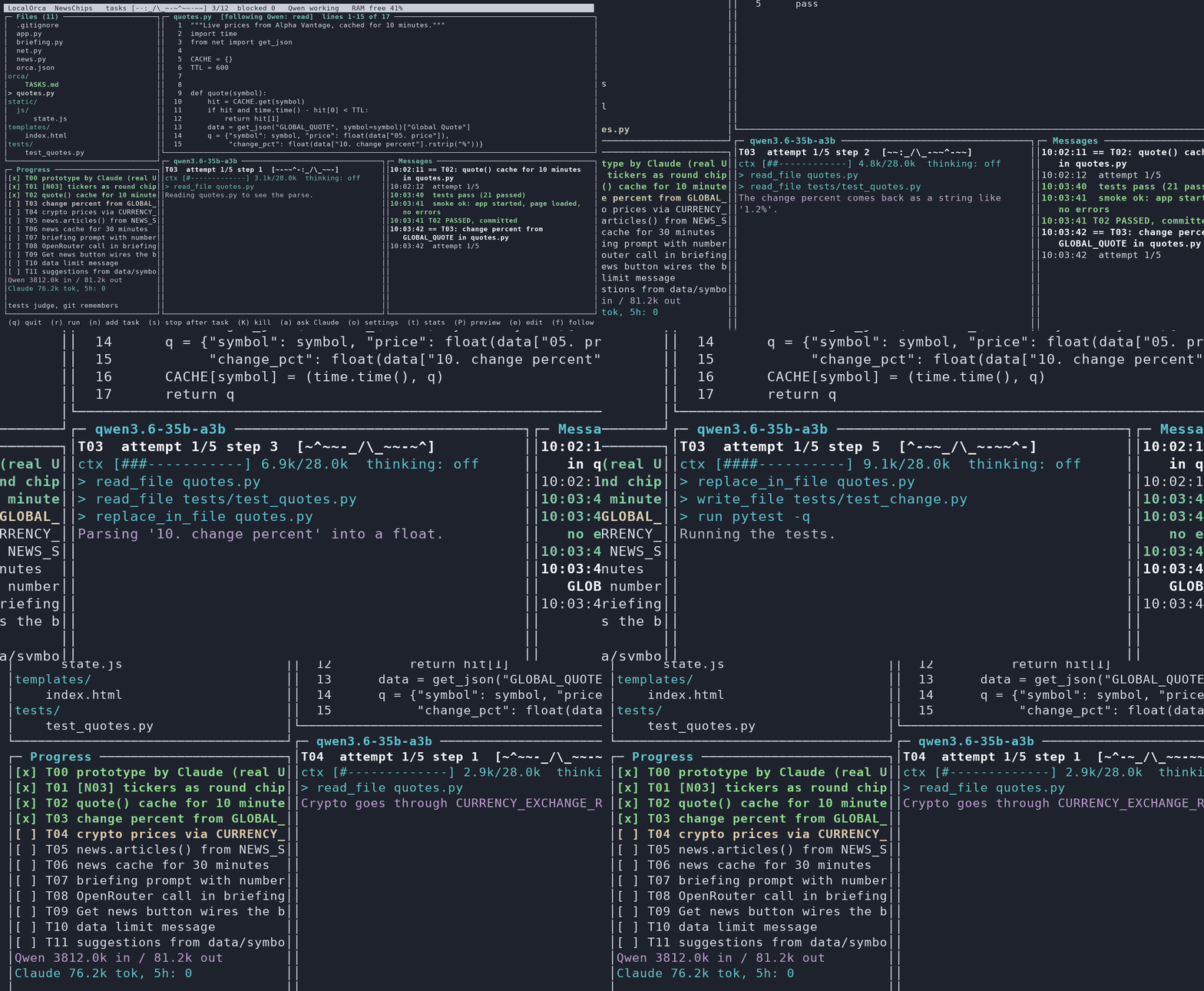
3/ Qwen takes one tiny task at a time, fresh context every time.
4/ Tests pass? Commit. Fail? Retry with the error. Stuck? Ask Claude.
~_/\_~
Pros.
+Free volume.Ok, minus the electricity. And the hardware. And your $20 Claude subscription.
+Read all you want.A build reads 53x more than it writes. On a paid API, that's the bill. On your desk, it's free.
+Claude where it counts.Research, a prototype you shape, rescuing stuck tasks.
+Runs all night.One commit per passing task. A blocked task rolls back the code, never your notes.
+Everything measured.Exact tokens per call, time per task, and a report of what was wasteful.
Cons.(NO CONS, but if you want to be nitpicky, here you are)
-You didn't give your datato a big company.
-You didn't make OpenAIricher.
-Your spouse stopped shoutingthat you spend money on gadgets you never use.
-Your VC shoutsthat you're not burning money fast enough.
~_/\_~
How to use it.
1/ A Mac Mini.32 GB? You are king. That's all the hardware.
2/ LM Studio.Download qwen/qwen3.6-35b-a3b (Qwen 3.6, 35B, 3B active), load it with a 32k context and start the local server. Orca finds it on port 1234.
3/ Claude Code.Logged in with your $20 Claude subscription. That's the brain for the design and the planning.
4/ Go.Describe your app and watch it get built:
git clone https://github.com/jonromero/localorca.git && cd localorca
python3 orca.py new ~/proj/myapp
Want the whole story, the numbers and everything that broke on the way? Read the blog post →
~_/\_~
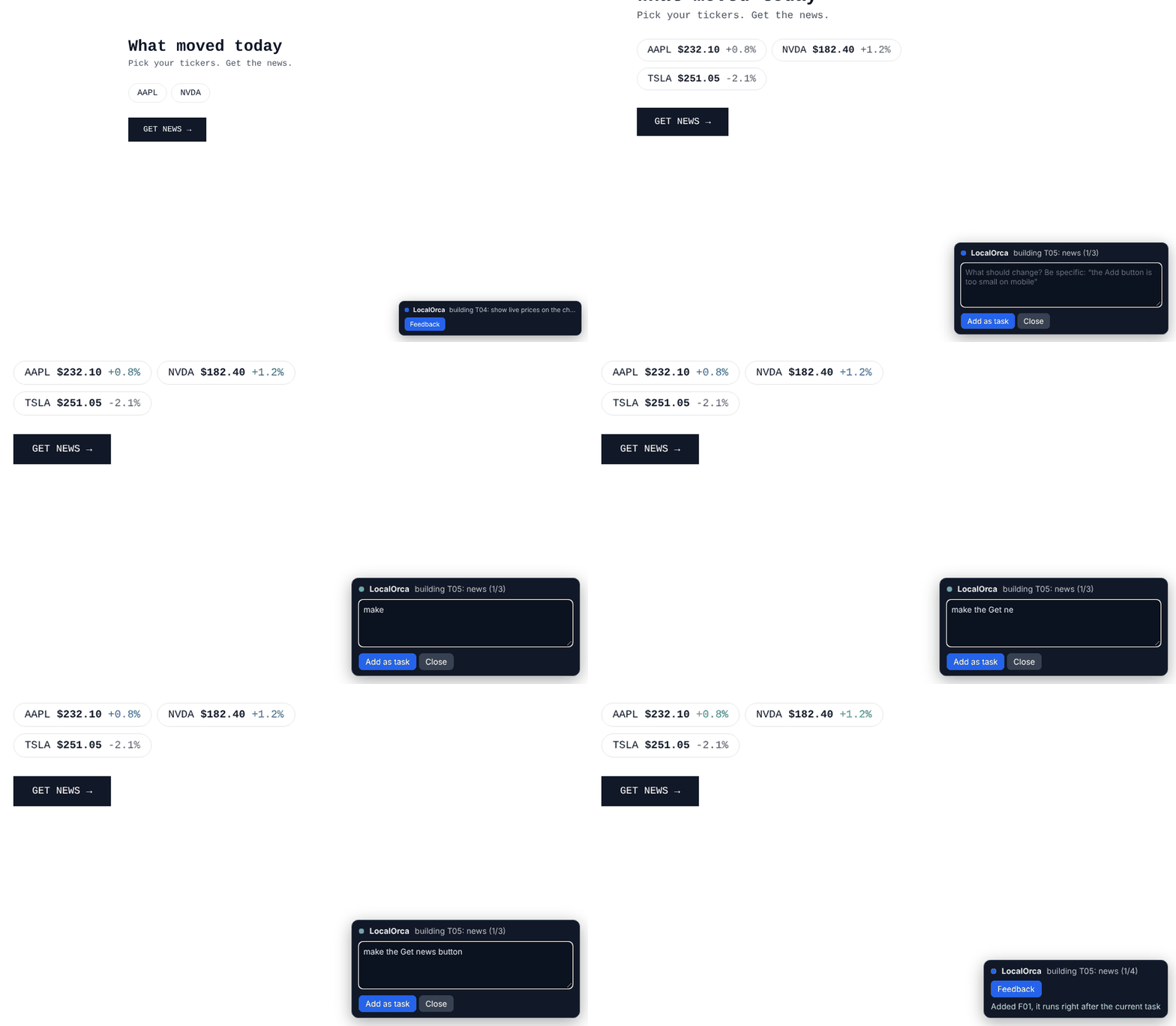
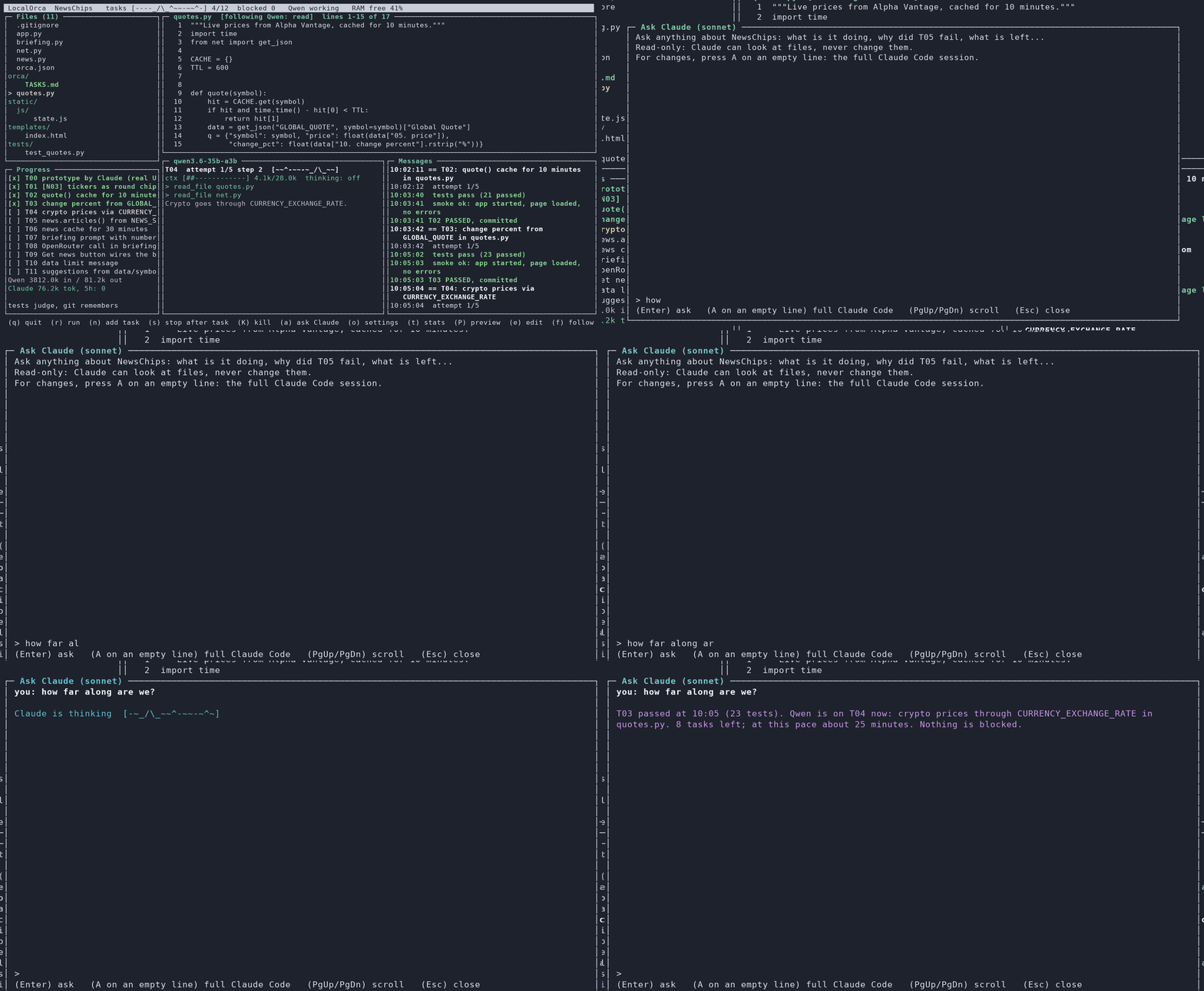
See it work.It runs in your terminal.
1/ Claude builds the prototype. Every file it writes shows up live. When it's green, Orca tells you what to try.2/ Qwen builds the rest. One tiny task at a time. Tests pass, the real app starts, commit, next.3/ Play with it WHILE it's being built. The real app reloads after every passed task. Something off? Hit Feedback RIGHT THERE ON THE PAGE and it becomes Qwen's next task.4/ Ask anytime. Press a, ask Claude what's going on. It reads the project, never touches it.